Project management directly from your browser.
Transform any webpage into a project workspace. Capture ideas, organize files, and manage your projects without ever leaving your browser.
Powerful project management features
- 🔌 Chrome Extension
- 📁 Google Drive Storage
- ⚡ Real-time Sync
- 📝 Project Notes
- 📎 File Attachments
- 🎯 Individual Focus

Everything you need to manage projects.
Transform any webpage into a project workspace with powerful Chrome extension features.
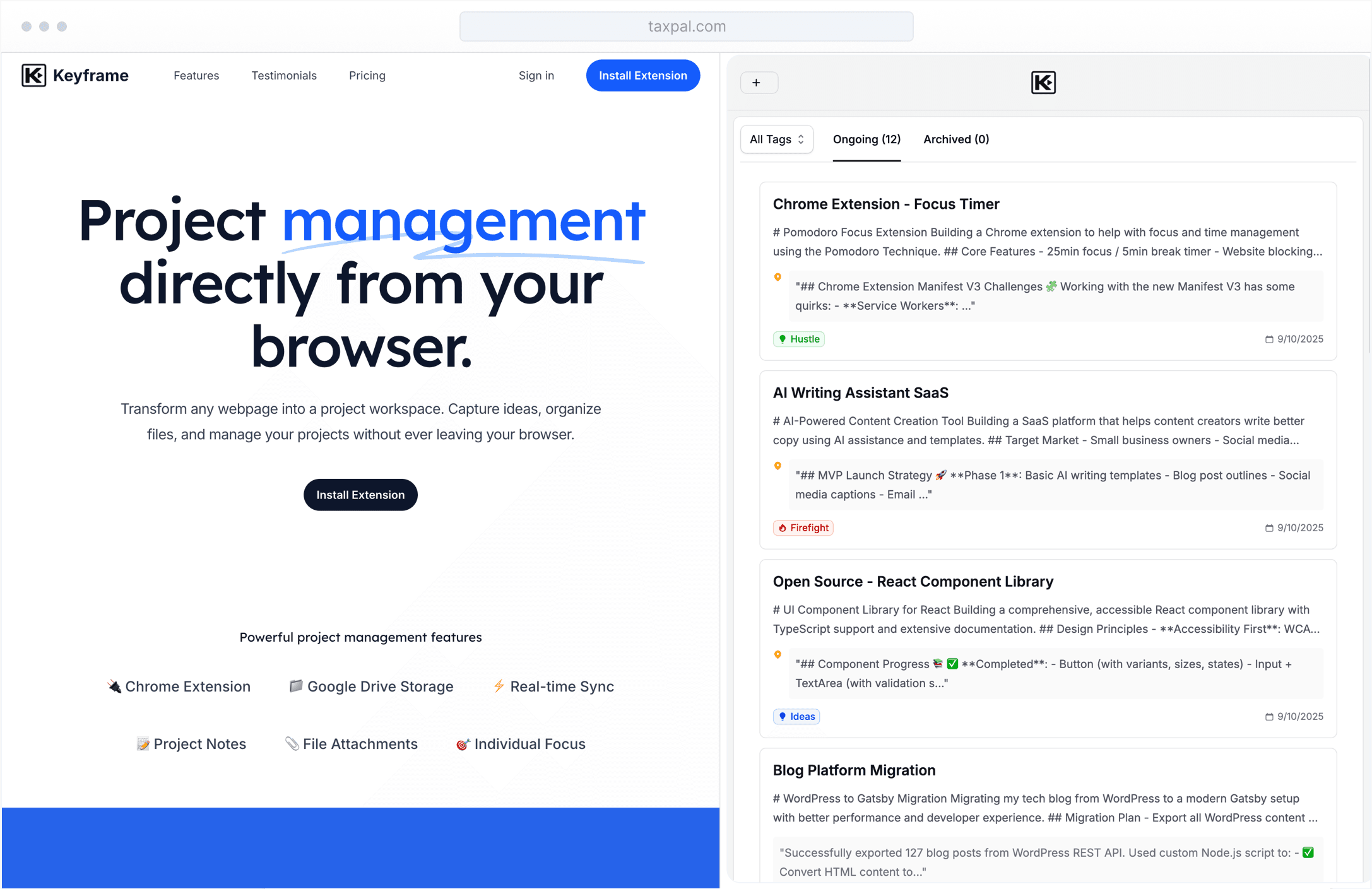
Access your projects from any webpage with a convenient 500px sidepanel. No need to switch tabs or lose context.
Streamline your project workflows.
From quick note-taking to file organization, every feature is designed to keep you focused on what matters most.
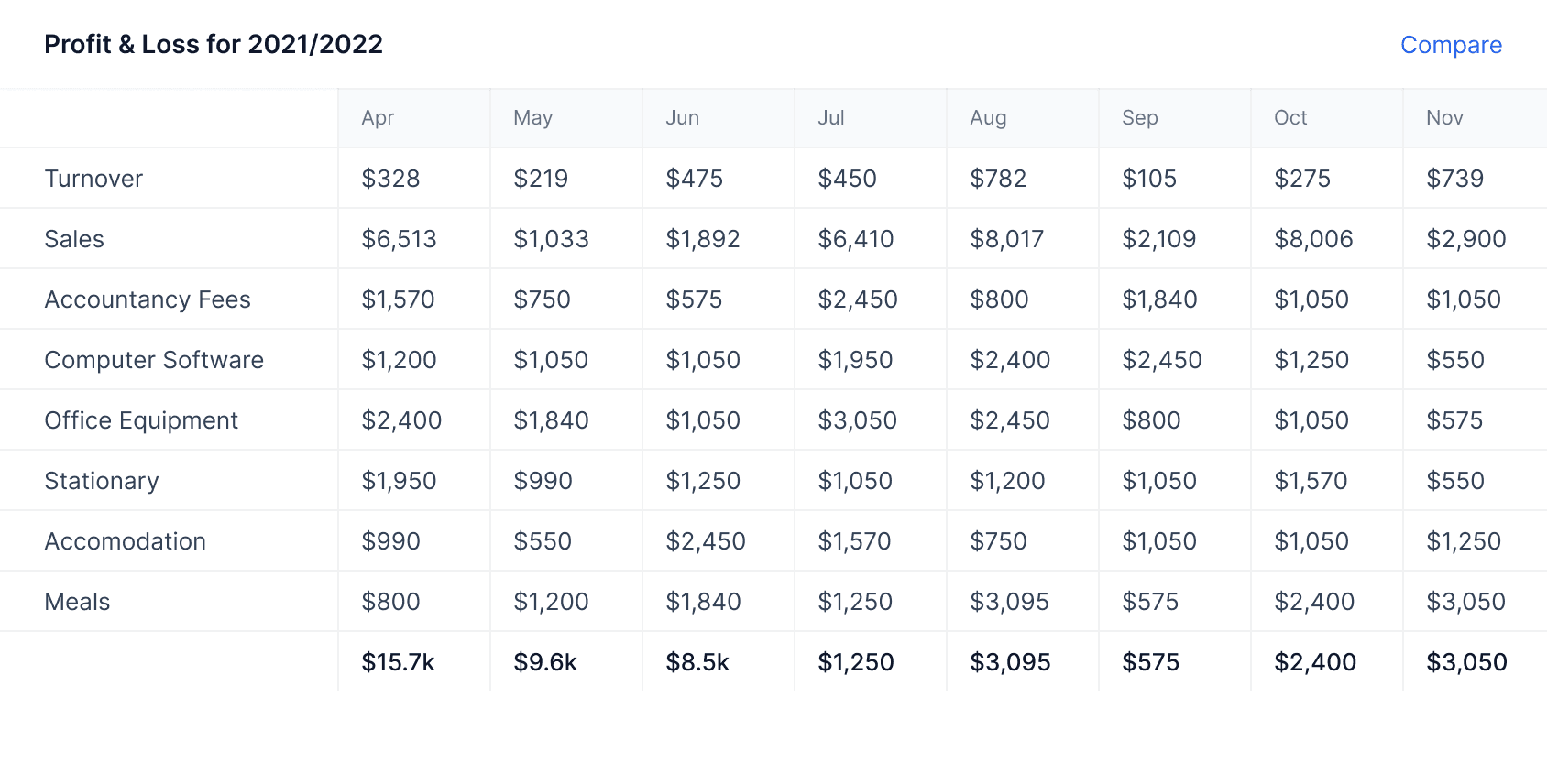
Project Notes
Capture thoughts and ideas with markdown-enabled project notes.
Add timestamped notes to any project with full markdown support. Pin important notes to keep them visible on project cards.
File Management
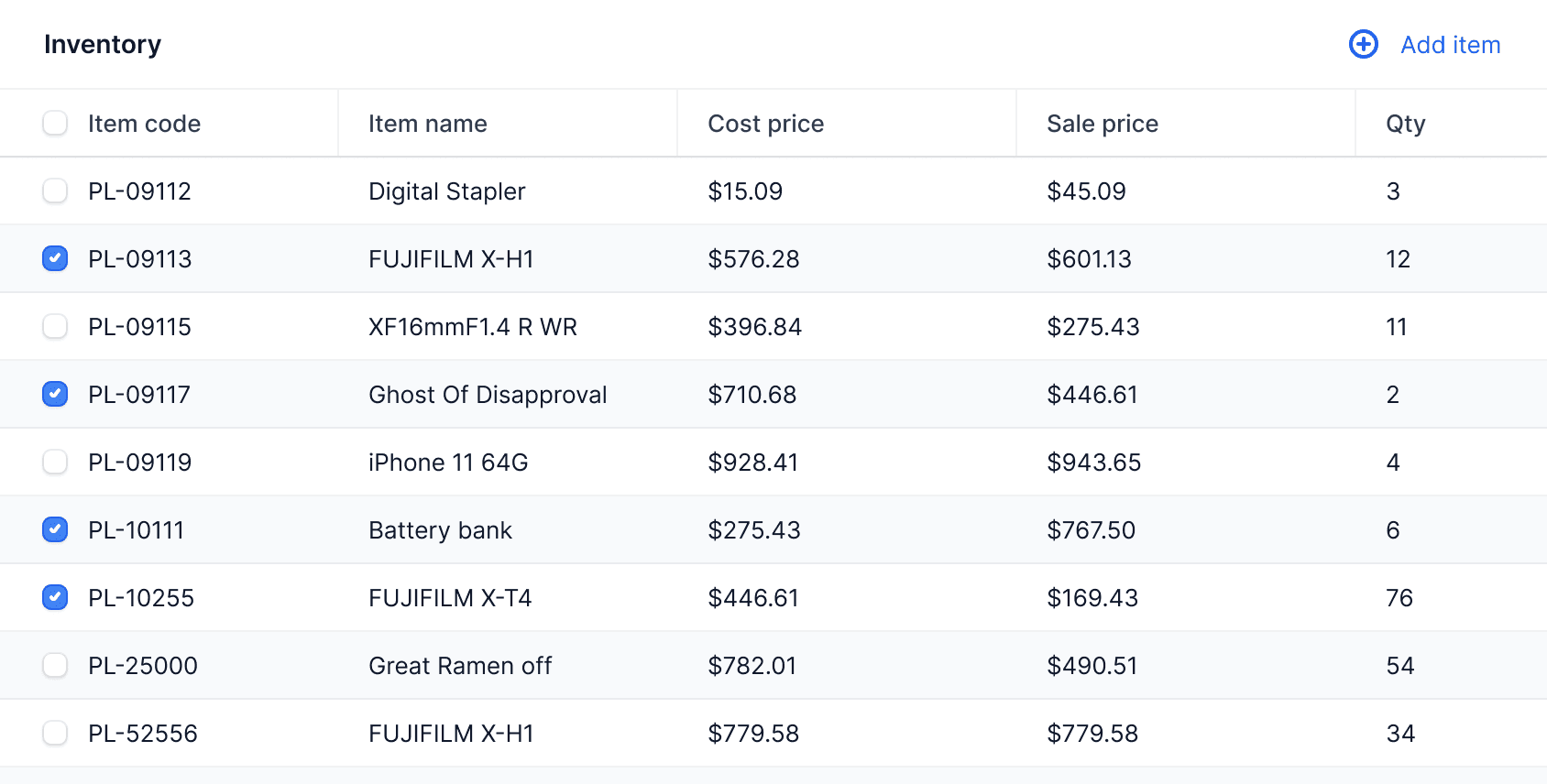
Upload and organize project files with automatic Google Drive sync.
Drag and drop files directly into projects. All files are automatically organized in dedicated Google Drive folders for easy access anywhere.
Quick Search
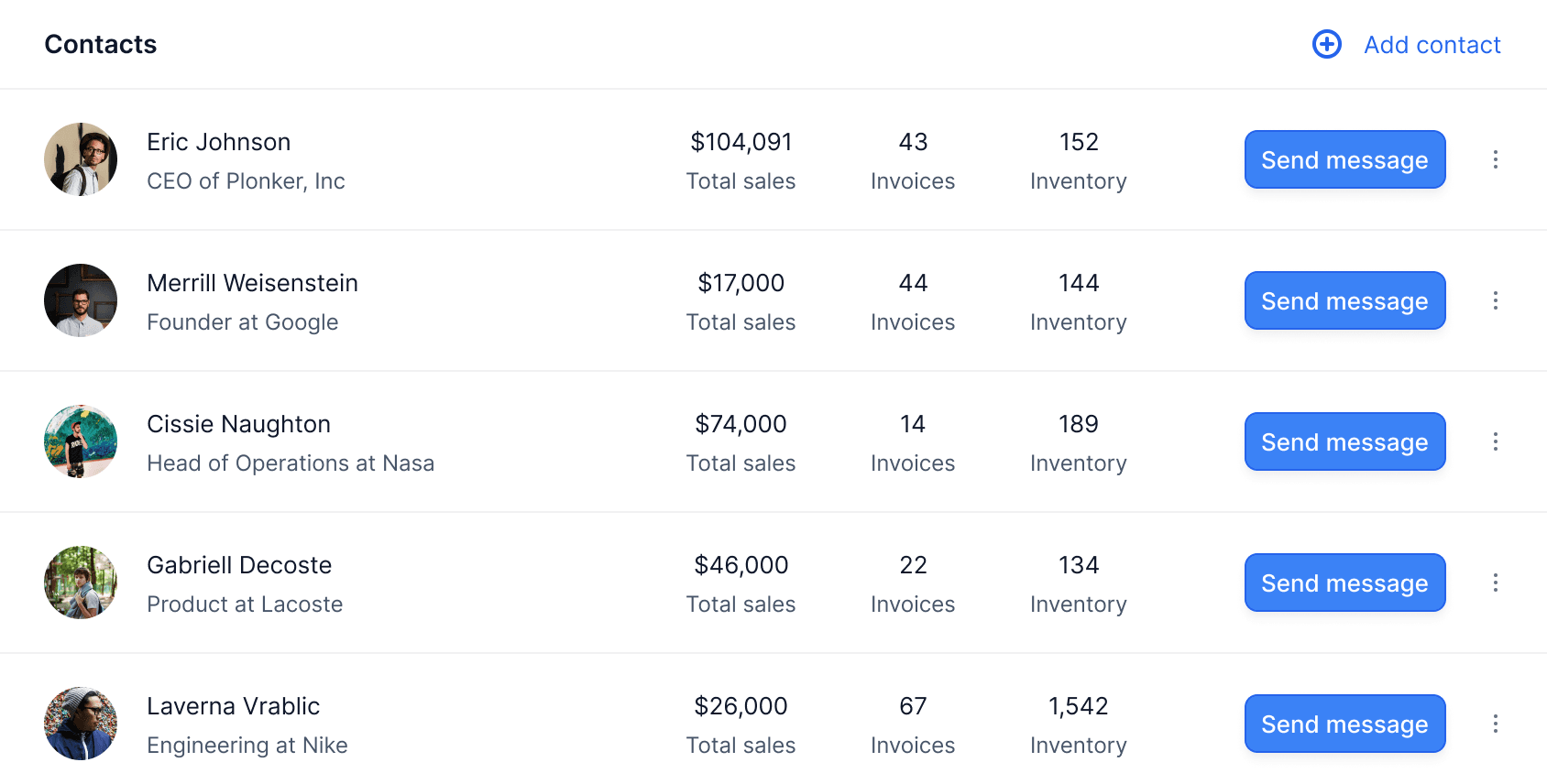
Instantly find and navigate to any project with keyboard shortcuts.
Press Cmd+K (or Ctrl+K) from any webpage to quickly search and jump to your projects. Never lose track of your work again.
Capture thoughts and ideas with markdown-enabled project notes.
Add timestamped notes to any project with full markdown support. Pin important notes to keep them visible on project cards.
Upload and organize project files with automatic Google Drive sync.
Drag and drop files directly into projects. All files are automatically organized in dedicated Google Drive folders for easy access anywhere.
Instantly find and navigate to any project with keyboard shortcuts.
Press Cmd+K (or Ctrl+K) from any webpage to quickly search and jump to your projects. Never lose track of your work again.

Start managing projects today
Transform your browser into a powerful project management workspace. Install Keyframe and organize your work like never before.
Install Free ExtensionLoved by professionals everywhere.
From freelancers to startup founders, Keyframe helps individuals stay organized and productive. See what our users are saying about their experience.
Keyframe transformed how I manage my projects. Having everything accessible from any webpage with just a click is a game-changer for my productivity.
Sarah ChenProduct Manager at TechFlow
I love how Keyframe integrates with Google Drive. My files are automatically organized and I can access them from anywhere. It's like having a personal assistant.
Marcus JohnsonFreelance Developer
The context menu integration is brilliant. I can capture ideas from any webpage instantly without losing my flow. Keyframe has made me significantly more organized.
Lisa RodriguezUX Designer at Pixel Studio
Finally, a project management tool that doesn't get in my way. Keyframe is simple, fast, and exactly what I needed for my solo projects.
David KimStartup Founder
The sidepanel interface is perfect. I can manage my projects while researching without ever leaving my browser tabs. It's seamless and intuitive.
Emily WatsonContent Strategist
Keyframe's quick search with Cmd+K is addictive. I can jump to any project instantly from anywhere on the web. It's become essential to my workflow.
Alex TurnerSoftware Engineer
Simple pricing, for everyone.
Start for free and upgrade when you need more projects. No hidden fees, cancel anytime.
Free
Perfect for individuals and small teams getting started.
$0
- Up to 10 projects
- Project notes with markdown
- Google Drive file storage
- Context menu integration
- Quick search with Cmd+K
- Chrome sidepanel interface
Pro
For power users who need unlimited projects and priority support.
$5.99
- Unlimited projects
- Everything in Free plan
- Priority support
- Early access to new features
- Advanced project organization
- Enhanced search capabilities
- Export and backup tools

Frequently asked questions
Got questions? We've got answers. Contact us if you need additional help.
How does Keyframe work?
Keyframe is a Chrome extension that adds a sidepanel to your browser. Click the extension icon or press Cmd+K to access your projects from any webpage.
Is my data secure?
Yes! Your data is stored in Google Drive and Firebase with enterprise-grade security. We never access your files without permission.
Can I use Keyframe offline?
Keyframe requires an internet connection to sync your data. However, you can view previously loaded projects when offline.
What file types can I upload?
You can upload images (PNG, JPEG, GIF, WebP), PDFs, and text files up to 10MB each. All files are stored in your Google Drive.
How many projects can I create?
Free users can create up to 10 projects. Pro users get unlimited projects plus additional features like priority support.
Is Keyframe designed for teams?
Keyframe is designed for individual productivity. It focuses on personal project management without complex collaboration features, making it simple and fast to use.
How do I upgrade to Pro?
Click the upgrade button in the extension when you reach your project limit, or visit the Chrome Web Store to manage your subscription.
Can I cancel my subscription anytime?
Absolutely! You can cancel your Pro subscription at any time through the Stripe customer portal. No questions asked.
What happens to my data if I uninstall?
Your project data and files remain safely in your Google Drive and Firebase account. You can reinstall Keyframe anytime to access them.